Printable pictogram cards
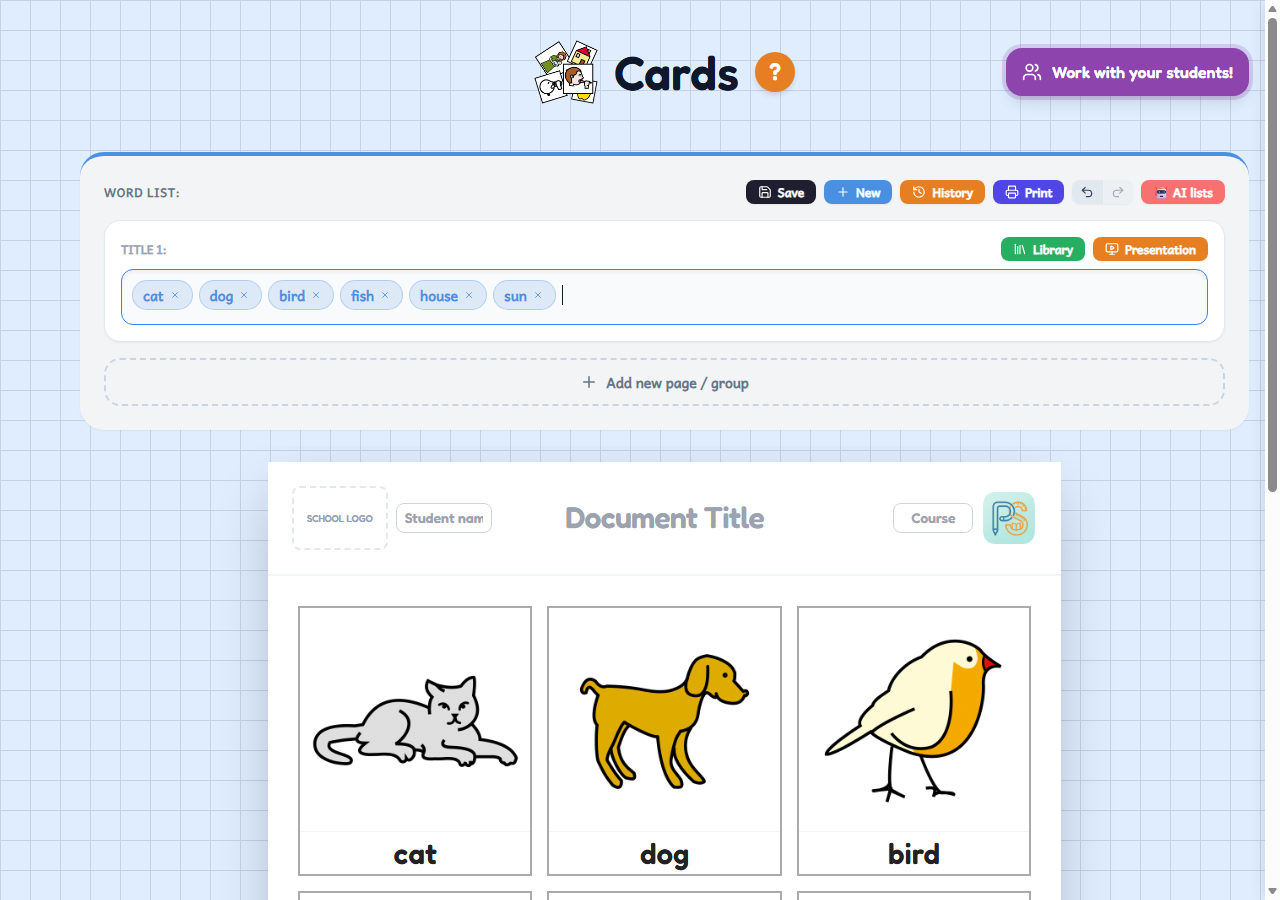
Type a list of words and Cards finds the pictogram for each one: you get vocabulary cards to print as a PDF or to use on a tablet. Free, no sign-up.
Who it's for
For special education, reception classes and any pupil who learns better with visual support. Also for any teacher who wants vocabulary cards and worksheets with pictograms without drawing them or looking them up one by one.
How to use it
- Type the words separated by commas, or choose a topic from the Library.
- The app looks up the pictogram for each word; if you do not like one, you can change it. Add the title and the pupil's name, and choose the font and the paper size.
- Print it or download it as a PDF, or give it to the pupil to work on a tablet.
Variations
- Five kinds of material: image and text, pictograms only, double-sided cards, memory and dominoes.
- To practise reading, you can hide the vowels, the consonants or the accents of each word, and the pupil can listen to it read aloud.
- When signed in, «AI lists» helps you prepare a word list on any topic you like.
- When signed in, your sheets are saved to your account and you can set them for the class: pupils work on them on a tablet and you see the results.