Classroom tools: timer, noise light, attendance and more
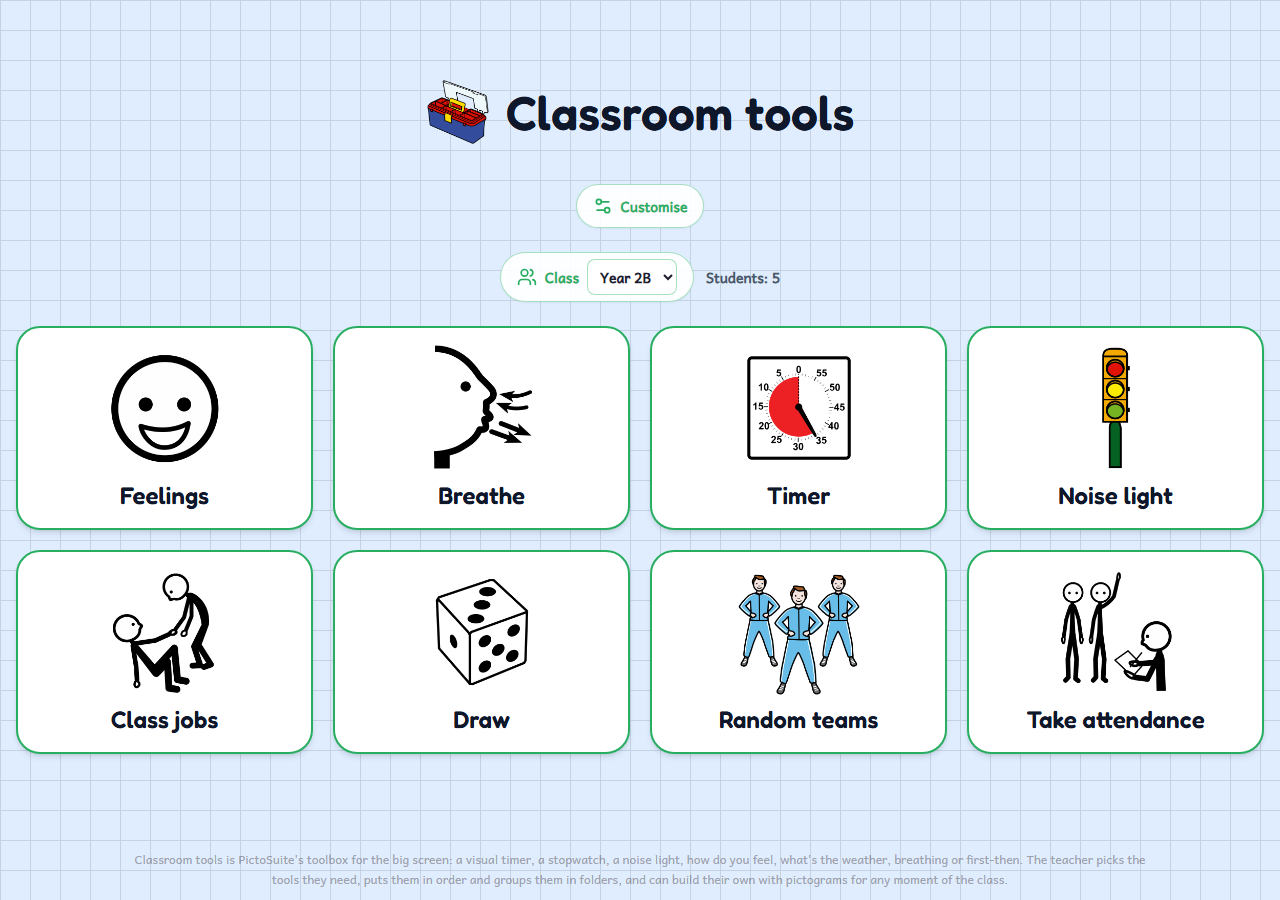
The classroom toolbox for the interactive whiteboard: a visual timer and stopwatch, a noise light, attendance, class jobs, a fair draw and random teams, all with pictograms. The tools that don't need pupils work without an account.
Who it's for
For any teacher in nursery, primary, special education or a reception class who wants the small routines of every day at hand on the big screen: how we feel, how much time is left, whether we are too noisy, whose turn it is today. Every tool has pictograms and big buttons, so pupils can touch them too. You pick the tools you need, put them in order and group them in folders, and the board is kept on this device; signed in, you add the pupils from your classes.
How to use it
- All the tools are already on the board. Tap “Customise” to hide the ones you don't use, reorder them or group them in folders, and the + at the end to create your own question with answers or a First/Then.
- Reorder the tools, hide the ones you don't use and group them in folders so the board looks the way you want.
- Open a tool full screen on the whiteboard; signed in, choose your class and take attendance, hand out class jobs, run a draw or make teams with your pupils.
Variations
- A visual timer and stopwatch with an alert when time is up, and a noise light that only measures volume with the microphone (it records nothing).
- Attendance with present, absent, late or excused, your own lists (lunch, camp...) and a monthly record.
- Class jobs, a fair draw and random teams that avoid repeating the same pairs, with the history saved in your account.
- Feelings, weather, breathing and first-then, which you can edit and duplicate, and tools of your own with your pictograms.