
Scenes with pictograms: pictures pupils touch and learn from
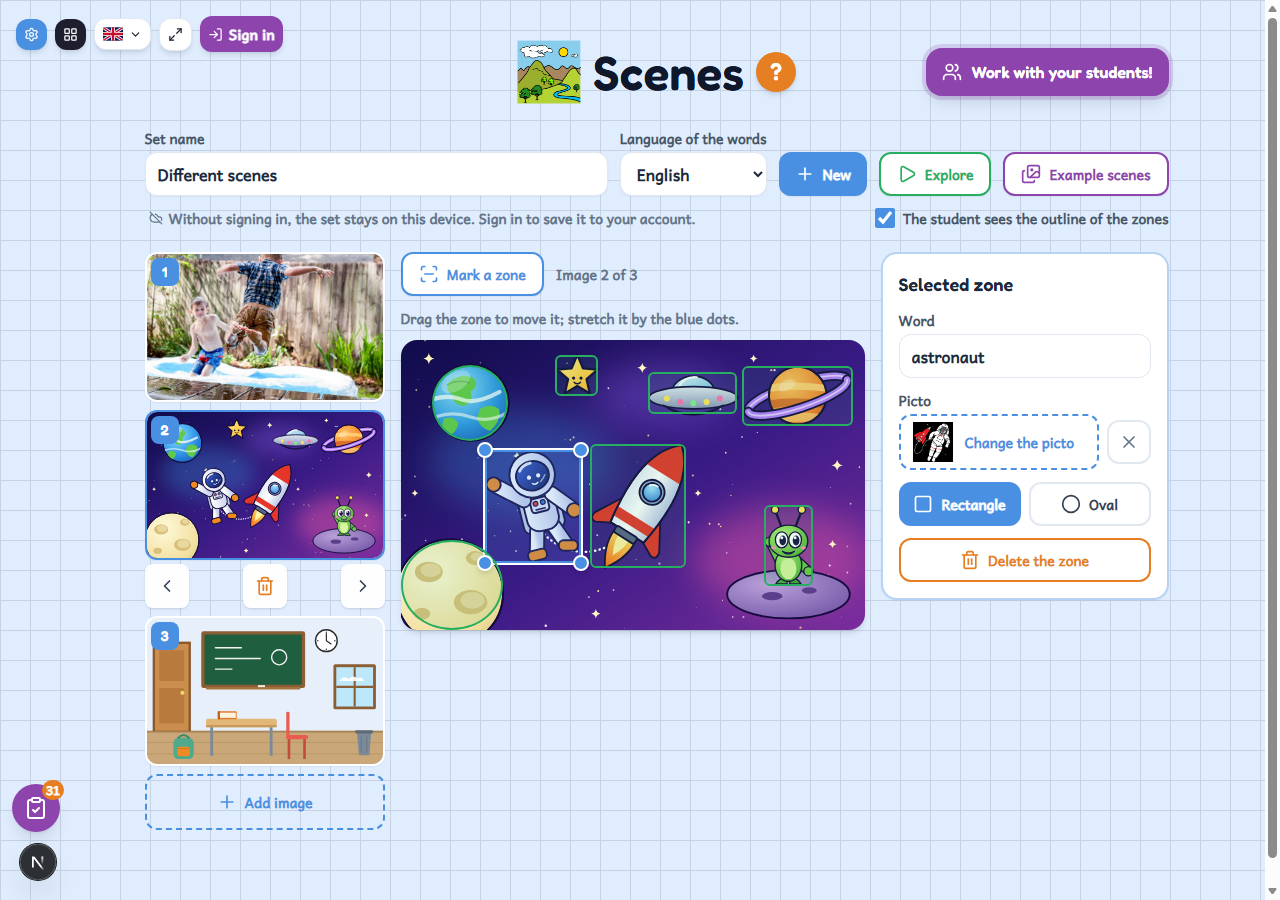
A free tool for making interactive pictures: you upload a photo or a drawing, mark zones with their word and pictogram, and pupils touch them on a tablet to see the pictogram and hear what it is called.
Who it's for
For any teacher who wants to work on vocabulary from real pictures: a photo of the classroom, of a trip or of a game. Ideal for reception classes, special education and the early years, because the pupil does not need to read: they touch a part of the picture, see the pictogram and the word and hear it spoken. You can start with one of the example scenes and make your own copy.
How to use it
- Upload a photo or a drawing (or pick an example scene) and mark the zones by dragging over the picture.
- Type the word for each zone and choose its pictogram in the search; if you have already typed the word, it searches for it by itself.
- Try it as the pupil with “Explore” and, when you are happy with it, set it for the class: each pupil explores it on their own tablet.
Variations
- Three ways to use it: explore the picture, “What is this?” (a zone lights up and the pupil picks from three pictograms) and “Where is…?” (the app says a word and the pupil touches the zone).
- A set can hold up to 12 pictures, with rectangular or oval zones, and the teacher chooses which modes the pupils can use.
- Each set has its own language, and the word is read aloud in that language.
- When you are signed in, the set is saved to your account, you can copy it and, in the two question modes, you see each pupil's and each zone's correct answers in “Les meves classes”.