Picture stories with pictograms to read and listen to
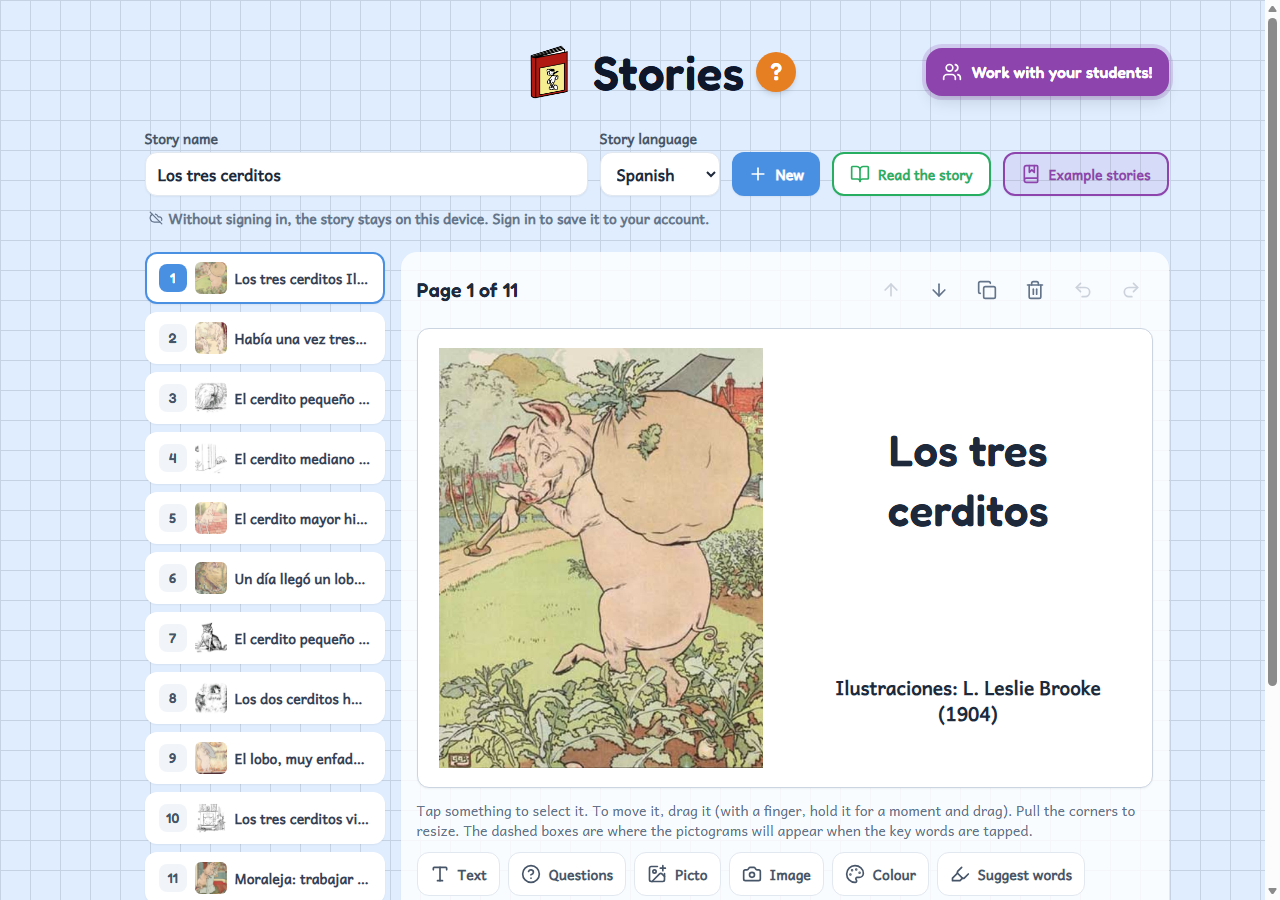
A free story maker: you write each page, add a photo or pictograms, and the pupils read the story on a tablet, tapping the key words to hear them.
Who it's for
For any teacher who wants a story to read and listen to in class: ideal for reception classes, the early years and special education. Pictograms help pupils who don't yet read fluently, or who are learning the classroom language, to follow the story. You can make your own story with photos of your class, or start from one of the example stories.
How to use it
- Write each page of the story, add a photo or pictograms and mark the key words so that their pictogram appears.
- Try it with “Read the story”: the key words can be tapped and the page is read aloud.
- Set it for the class: the pupils read it on a tablet and, if you like, do the key-words exercise.
Variations
- Stories with your own photos on every page (a trip, a routine, a character from the class) or with pictograms.
- Each story has its own language, and the page is read aloud in that language.
- Example stories to start with, without having to write anything.
- When signed in, the story is saved to your account and you can share it with a link so another teacher can make a copy.