Printable worksheets with pictograms
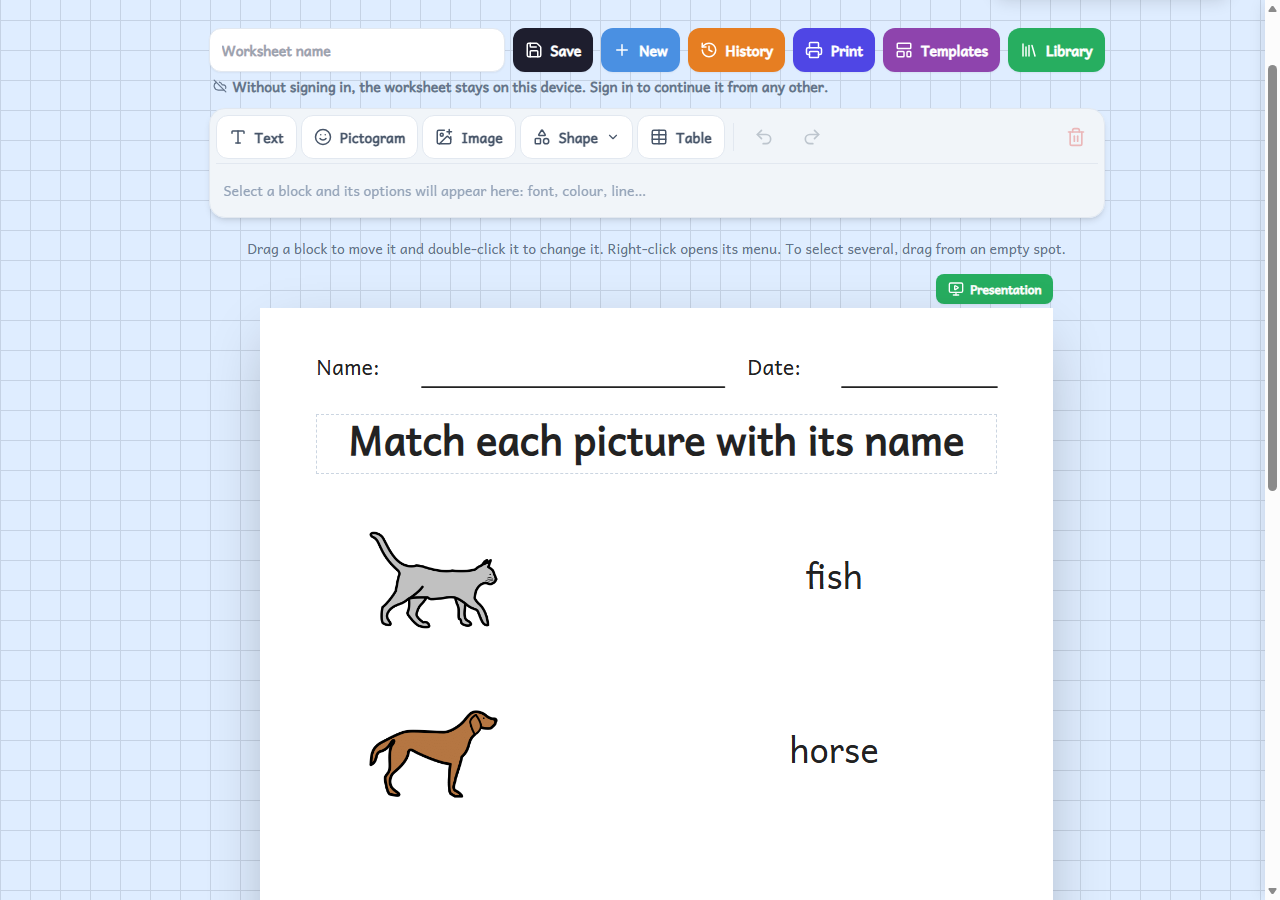
A free worksheet editor: place texts, pictograms, images, shapes and tables on a blank page, or start from a template, then print it or let the pupil do it on a tablet.
Who it's for
For any teacher who wants a worksheet made to measure: matching, completing, ordering, sorting... With pictograms it is especially useful for special education, reception classes and the early years, because the pupil can see what to do without relying only on reading.
How to use it
- Start with a blank page or a template, and put texts, pictograms, images, shapes and tables wherever you like.
- Drag the blocks to move them and change their size, font or colour. Choose whether it is for printing or for the tablet; for the tablet, mark what the pupil has to drag or write.
- Print it or download it as a PDF, or set it for the class: the app marks it and you see the results.
Variations
- Ready-made templates: vocabulary table, write the word, match, sequence, sort into two groups, sentence with pictos, weekly timetable and sheet with header.
- A4 or A3 pages, portrait or landscape, and worksheets with several pages.
- With «See it as the student» you try the worksheet exactly as the pupil will do it before you set it for the class.
- Without signing in, the worksheet is saved in this browser; when signed in, it is saved to your account and you can carry on from any other device.